
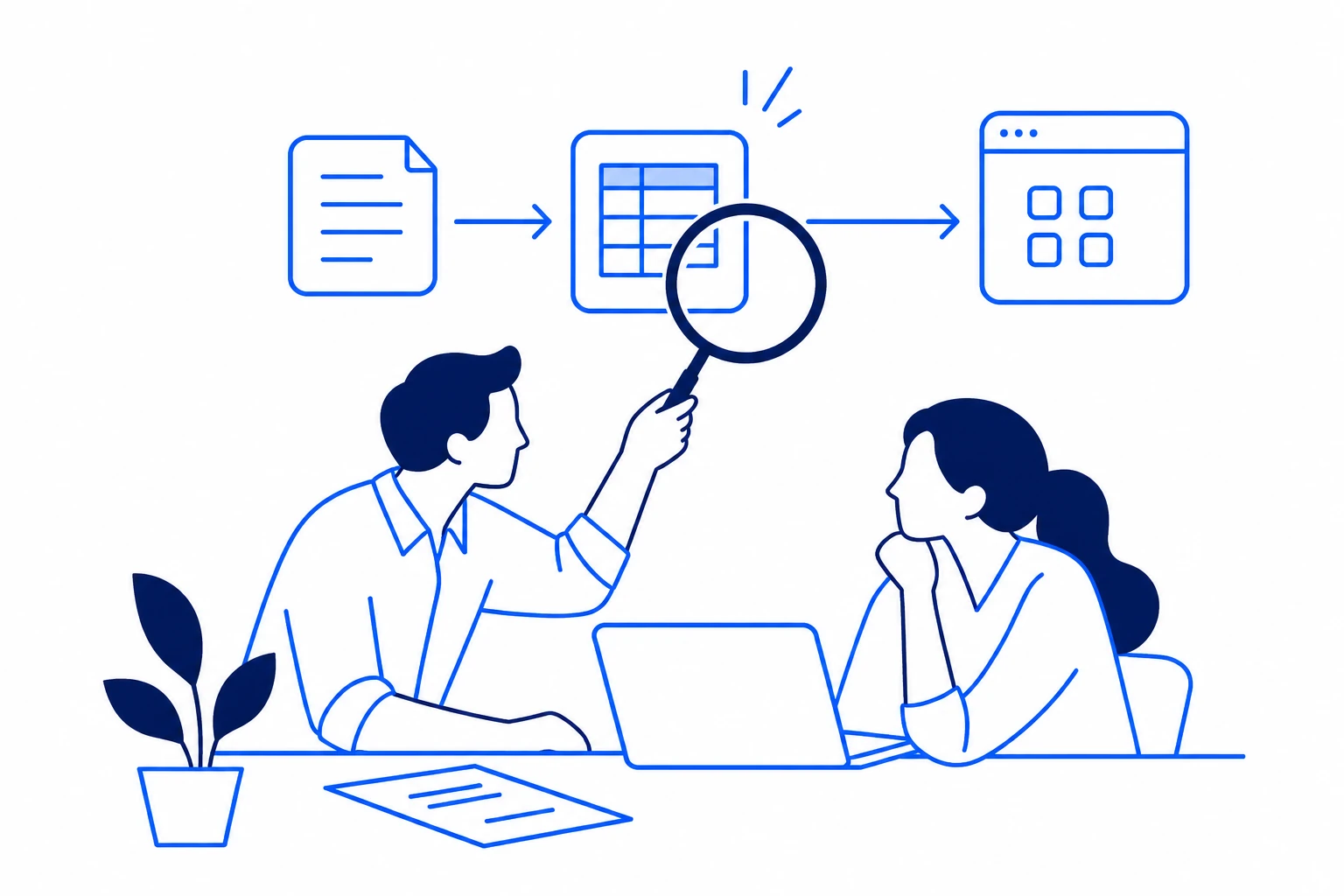
Start with a process you can explain, measure and safely test. A useful first automation makes work easier to complete and easier to check.
Start with repetition you can observe.
A good candidate happens often enough to measure, follows a reasonably stable process and has a person who can judge the result. Examples include moving an approved enquiry into a CRM, preparing a draft invoice record or assembling a weekly report. Begin with the existing process. Record what starts it, the systems it touches and what makes a case unusual. A process that changes every week may need redesign before automation.
A useful shortlist.
Measure the work before estimating the benefit.
Record the volume, time per item and time spent handling exceptions. Ask whether saved effort will reduce a cost, avoid a delay or free capacity for other work. Those are different outcomes. Include the time needed to review automated output and the cost of software and ongoing support. A fast demonstration is not a business case.
Try a simple effort estimate.
Illustrative arithmetic only. Recovered time is not a guarantee of cash savings; it excludes setup, support costs and changes in workload.
Use AI for a defined part of the process.
A standard integration may be enough when the rules are clear. AI may help interpret an email or extract information from a document, but the result still needs validation. Define the input, the allowed output and the action to take when confidence or completeness is insufficient. Keep a person at consequential decisions. Do not assume that a plausible answer is a correct one.
Example: preparing invoice records.
This is an illustrative design, not a client case study or a promise of platform compatibility.
- Capture: Receive documents from an approved source.
- Validate: Check required fields and potential duplicates.
- Review: Ask finance to resolve missing data and approval-sensitive changes.
- Confirm: Create the approved record and reconcile the result.
Test the awkward cases before expanding.
A useful pilot includes missing fields, repeated submissions, permission failures and a connected service being unavailable. Agree what success looks like before testing. Record which cases need human work and whether the workflow makes that work easier to see. Larger organisations should also agree environment boundaries, release approval, data access and a recovery approach. A small business still needs named ownership and a way to stop the process.
Choose a next step you can defend.
If the process is repeatable, measurable and owned, scope a small pilot. If the data or process is unstable, fix that first. If the expected benefit is smaller than the operating effort or risk, leave it manual. An automation audit can help document those choices and rank them against other opportunities.
Before you commit.
- Name an owner: Who approves the workflow and handles exceptions?
- Agree the evidence: How will you compare the pilot with the current process?
- Plan ongoing care: Who monitors changes, access and failures after launch?
Questions before you start
Should every repeated task be automated?
No. Volume, exception rate, risk and operating cost matter. A low-volume task with difficult exceptions may be cheaper and clearer to keep manual.
Should we choose a platform first?
Start with the process and requirements. Then compare platform fit, available integrations, controls and who will operate it.
Explore an automation audit to compare opportunities, assumptions and next steps.